Is it safe to use?
Every tweak changes a standard Windows setting and is described before you apply it, with a label for how
much it costs you. The app records your original settings first, so switching a tweak off restores exactly
what you had. The few with a real trade-off are marked Careful and ask before applying.
Can I undo everything?
Yes - switch a tweak off and your original setting comes back. The one exception is removing preinstalled
Windows apps, which is clearly marked One-way; those apps can be reinstalled free from the Microsoft Store.
Will it get me banned in games?
The tweaks change ordinary Windows settings rather than touching any game. A couple of advanced options,
like turning off memory integrity, are noted in the app as ones some anti-cheat systems don't allow - leave
those off if a game you play requires them.
Why does it ask for administrator access?
Most performance settings are machine-wide, and Windows only lets administrator programs change them.
The app asks once when it starts.
Windows says "Windows protected your PC" when I install it.
That's SmartScreen, which flags new installers it hasn't seen often yet. Click More info, then
Run anyway.
What happens if I cancel?
You keep your plan until the end of the period you paid for, and aren't charged again. Tweaks you applied
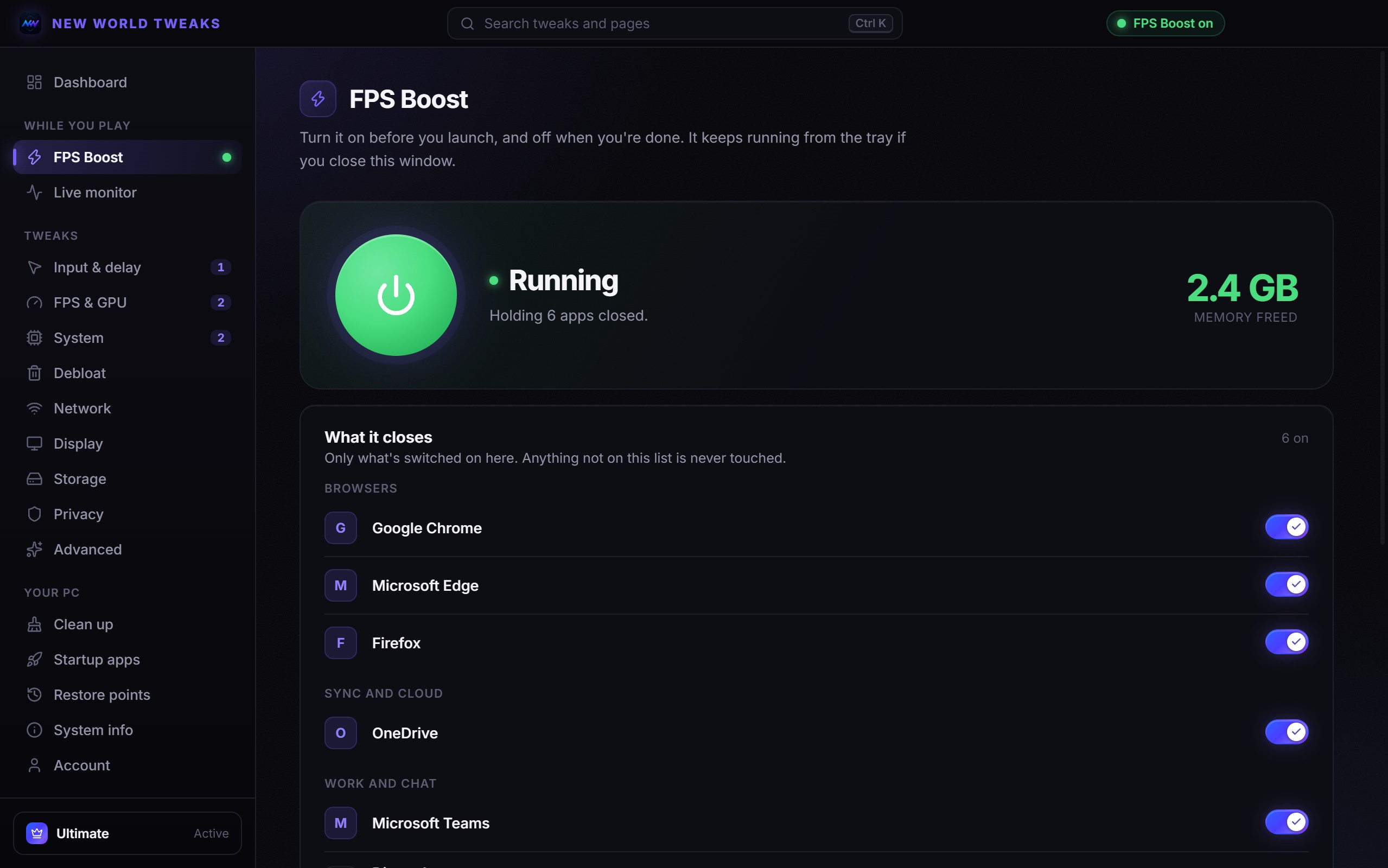
stay applied, and you can undo any of them on the Free plan. FPS Boost and the live monitor stop.
I paid but my plan didn't unlock.
Plans unlock on the account whose email matches the one used at checkout - the app shows yours under
Plans. If you checked out with a different email, open Plans -> Claim an order and enter
the order number and checkout email from your order confirmation. Future renewals then land on your account
too. Still stuck? Ask us in Discord.
How do I switch from Core to Ultimate?
Switch your existing subscription from the app (Plans -> Switch to Ultimate) rather than
buying Ultimate separately, so you aren't billed for both.
Does it work on Windows 10?
Yes, Windows 10 and 11. A handful of tweaks only apply to Windows 11, and the app says so on each one.